I’m an expert teacher who develops online content for a range of learners.
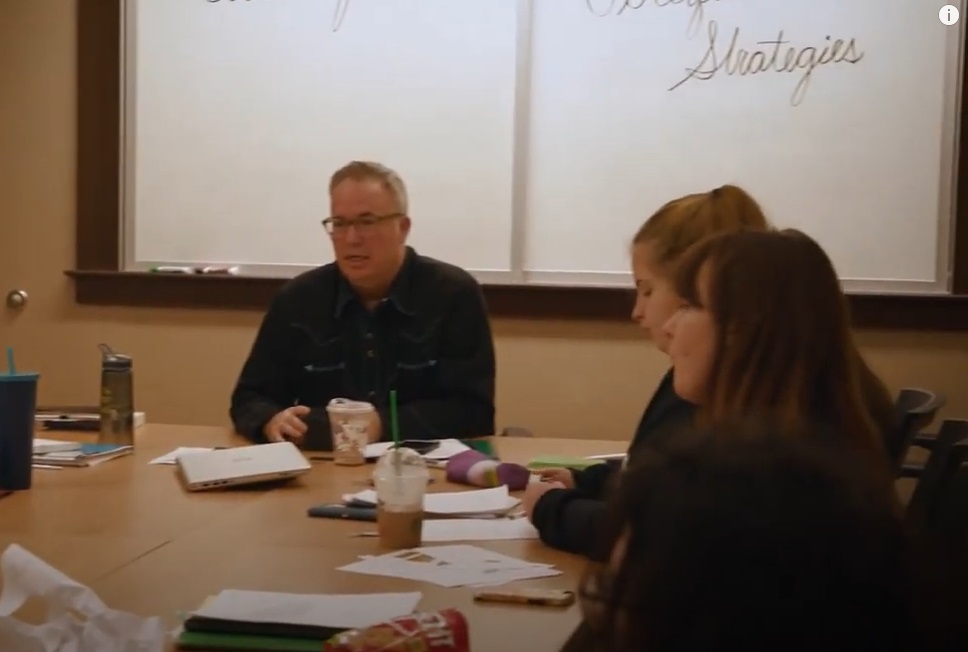
Over the course of a fulfilling career as full professor of English, I studied how people learn. Along the way, I fell in love with instructional design.
My teaching practice cross-pollinates interests in eLearning and instructional design with writing and communication.
As an eLearning specialist, I have taught all sides of the digital classroom—face-to-face and hybrid, flex and hyflex, synchronous and asynchronous. You name it, I’ve designed and taught it. I love staying on top of the latest tech advances and being part of the larger communities of instructional designers. I am well-versed in adult learning theories and matching learning goals and objectives with activities and assignments. I’ve used Quality Matters and OSCQR and other review methods to evaluate a course’s effectiveness. Most of all, I have mastered how to match learners to the technologies and modalities that leave an impact, that engage and inspire.
What follows are some examples of materials I’ve designed for virtual and face-to-face classrooms that are interactive, effective, and inspiring.
“How to Spot and Fix a Comma Splice”

This microlearning asset, “How to Spot and Fix a Comma Splice, Taylor Swift Edition,” addresses that most popular grammatical error: the comma splice. Made in Articulate Storyline Rise, I opted for the relatively new microlearning option and used a Taylor Swift lyric to work through as an example. There’s an assessment at the end intended to spark conversation. The SCORM package was uploaded to my personal Amazon AWS account.
Tools used: Articulate Storyline Rise, ScreenPal, SCORM, AWS
“Hermit Crab Writing”
This learning module, Hermit Crab Writing, adapts one of my favorite writing assignments. In my writing workshops the Hermit Crab Writing assignment often appears at the end of the class. It addresses sophisticated ideas about form and content, and combines it with an inventive, and often challenging, set of writing tasks. There are assessments at the end to check in with learners. The SCORM package was uploaded to my personal Amazon AWS account.
Tools used: Articulate Storyline Rise, ScreenPal, SCORM, AWS
eLearning design from the ground up
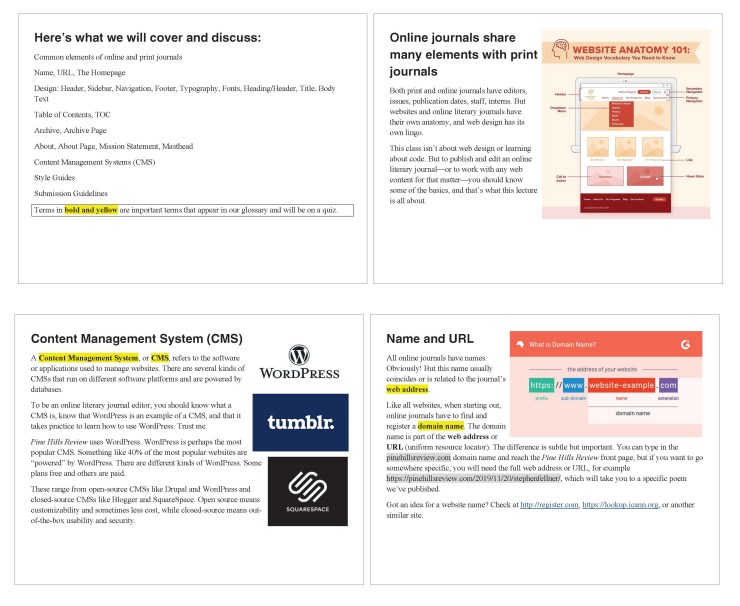
I was excited to plan and design this natively all-online class from scratch. Using the ADDIE model, microlearning, and storyboarding, Online Journal Editing & Publishing had its first run in Spring 2020. Students joined the editorial board of Pine Hills Review, learned about literary journals, and gained practical experience in publishing.
Tools used: Canvas, WordPress, VoiceThread, Google Docs, Slack, social media, Canvas
Multimodal delivery of material
Students in my creative writing classes are presented with critical terms and ideas associated with each assignment. In androgogical terms, it’s pragmatically important that students know these terms and ideas to do well on a quiz. In Flash Nonfiction and Prose Poetry, I experimented with presenting this information by creating a series of short videos using PowToon, a cloud-based animation software, to accompany each assignment. To chunk down often complex terms into small, bite-sized bits is always a challenge. This is the video I made to accompany Hermit Crab Writing, one of my favorite assignments.
Tools used: POWTOON, Canvas, YouTube, Kaltura
Social, personal andragogy
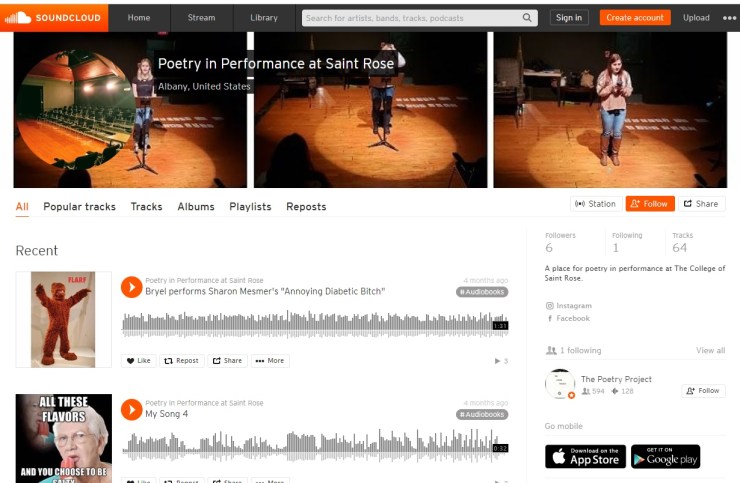
In Poetry in Performance, the main learning objective is to get students onstage and perform poetry. To do this online, and to make sure students are engaged and feel connected, we use several virtual environments for taped and live performances.
Tools used: Facebook Live, TikTok, Zoom, SoundCloud, YouTube
Tutorials
I discovered I loved instructional design as I worked with fellow instructors on courses, from learning objectives to tackling the LMS. When my college switched to remote instruction as a result of the COVID-19 pandemic, I created video tutorials to help colleagues get set up on VoiceThread and posted them on YouTube.
Tools used: TechSmith Knowmia, Focusrite Scarlet 2i2, Shure Beta 58a microphone, YouTube, Canvas
Accessible Content with Learners in Mind
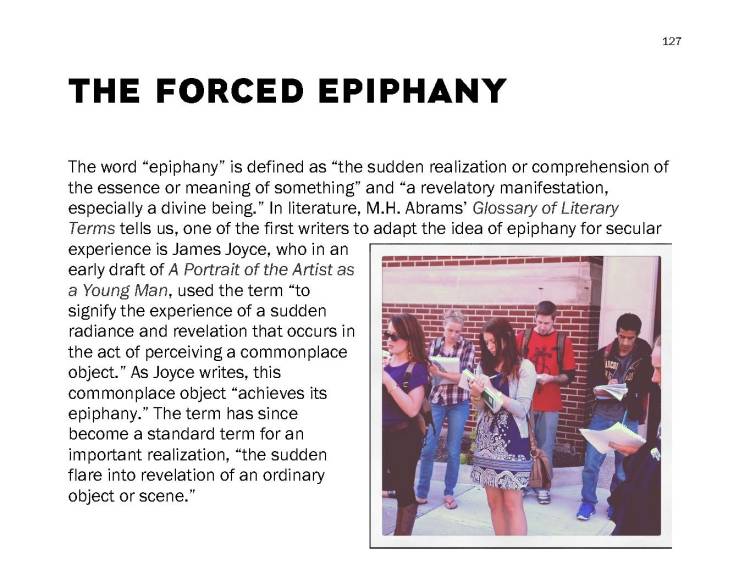
Lately I’ve been thinking about how LMS-agnostic content makes things easier for instructors and learners. Linked above is a collection of “revision techniques,” which I use in all my classes. Posting content on YouTube also makes it accessible for all of my classes, and available to others to use as well.
Tools used: Word, Adobe Acrobat, VoiceThread, Kaltura, ScreenPal, YouTube, Blackboard, Canvas
Love This Class: Writing Poetry
“Love This Class,” a short video my college made on a class in 2018.
 Daniel Nester
You must be logged in to post a comment.